- Startseite
- Über uns
-
Produkte
- Alle Produkte
- Steam Spiele
- Steam Accounts
- Xbox Live Keys
- Herunterladen von Xbox-Spielen
- Nintendo Switch Spiele
- Meta Quest Keys
- PSN Cards (Playstation)
- Xbox Gift Cards
- Playstation Spiele
- Playstation Accounts
- Origin Spiele
- Epic Spiele Keys
- Ubisoft Connect Keys
- Fortnite Products
- PUBG Mobile UC
- Software Keys
- Movie Digital Downloads
- Discord Nitro
- Retail Keys
- Preisrückgänge
- Filmcodes kaufen & verkaufen
- GTA VI
- Top-Ups
- ZUFALLS-Keys
- Bewertungen
- Blog
- Neueste Bestellungen
- Großhandel
- FAQ
- Richtlinien
- Partnerprogramm
- Kontaktiere
 EN
EN FR
FR HE
HE DE
DE

 NO Hidden Fees!
Paypal Accepted!

Clients en France : Les prix sur cette page sont affichés en euros, avec livraison numérique instantanée et options compatibles mises en avant ci-dessus lorsque disponibles.
Produktbeschreibung
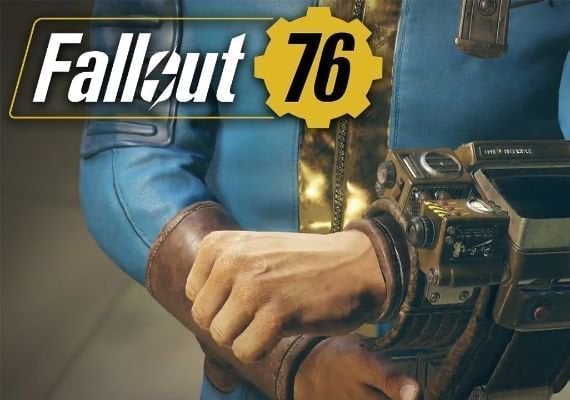
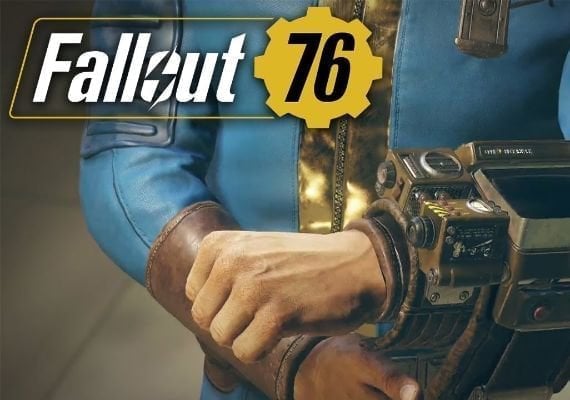
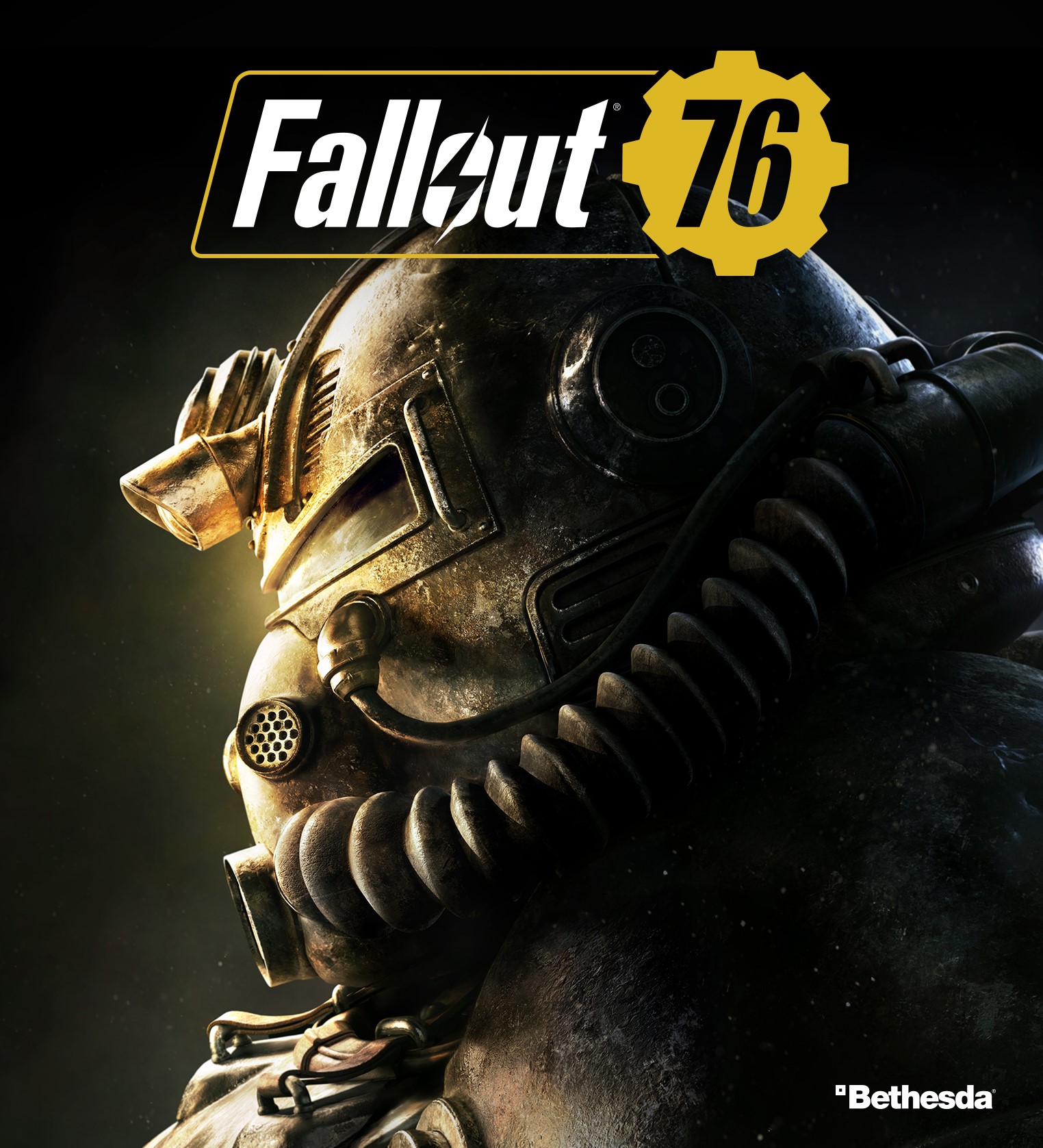
Fallout 76 Windows 10/11 CD Key
Reclamation Day, 2102. Twenty-five years after the bombs fall, you and your fellow Vault Dwellers—chosen from the nations best and brightest – emerge into post-nuclear America. Play solo or join together as you explore, quest, build, and triumph against the wastelands greatest threats.
Region:
OtherPlatform Supported:
MS Store (PC)Languages Supported:
German, English, French, Spanish, Japanese, Polish, Russian, Chinese, Korean, Italian, Portuguese - BrazilActivation Instructions:
Activating a Microsoft game key involves the following steps:
Open the Microsoft Store app on your computer or device.
Select the user icon in the top right corner of the screen.
Choose the 'Redeem a Code' option.
Enter the 25-character code and click 'Next'.
Follow the instructions to finish the process.
This will only add a shortcut to your game in the Steam client.
This will not allow you to download updates for your game through Steam, nor allow you to use this game as proof of ownership for your Steam account.
Adding a shortcut to a non-Steam game:
Launch Steam.
Click the Games menu, choose Add a Non-Steam Game to My Library.
Browse for games on your computer or put a check next to the game(s) you wish to add to the Library.
Click on Add Selected Programs.