- Startseite
- Über uns
-
Produkte
- Alle Produkte
- Steam Spiele
- Steam Accounts
- Xbox Live Keys
- Herunterladen von Xbox-Spielen
- Nintendo Switch Spiele
- Meta Quest Keys
- PSN Cards (Playstation)
- Xbox Gift Cards
- Playstation Spiele
- Playstation Accounts
- Origin Spiele
- Epic Spiele Keys
- Ubisoft Connect Keys
- Fortnite Products
- PUBG Mobile UC
- Software Keys
- Movie Digital Downloads
- Discord Nitro
- Retail Keys
- Preisrückgänge
- Filmcodes kaufen & verkaufen
- GTA VI
- Top-Ups
- ZUFALLS-Keys
- Bewertungen
- Blog
- Neueste Bestellungen
- Großhandel
- FAQ
- Richtlinien
- Partnerprogramm
- Kontaktiere
 EN
EN FR
FR HE
HE DE
DE
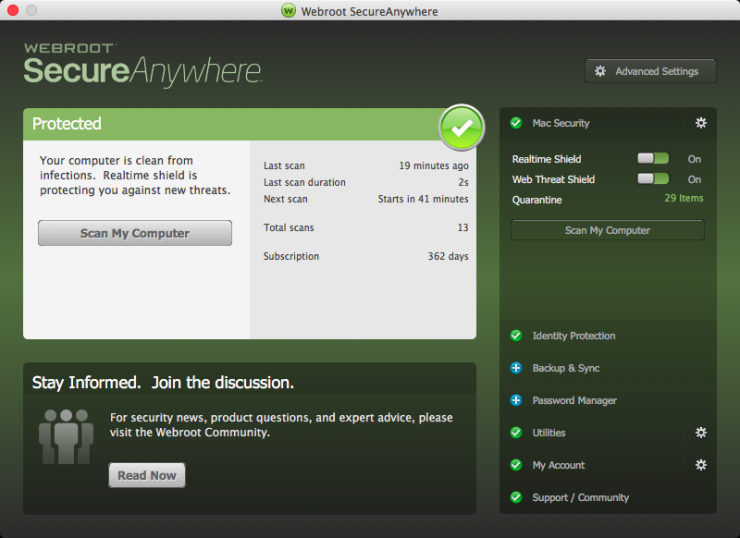
Webroot SecureAnywhere Complete 2024 Key (1 Year / 1 Device)

Preis:
€83.86
 NO Hidden Fees!
Paypal Accepted!

SKU:
ghost_product_uin193763_webroot_secureanywhere_complete_2024_key_1_year_1_device
Lieferzeit
Menge:
Kunden in Deutschland: Die Preise auf dieser Seite werden in Euro angezeigt, mit sofortiger digitaler Lieferung und passenden Produktvarianten, sofern verfügbar.
Produktbeschreibung
Webroot SecureAnywhere Complete 2024 Key (1 Year / 1 Device)
Region:
Region FreePlatform Supported:
OtherLanguages Supported:
EnglishActivation Instructions:
In order to redeem the code follow the instruction below: for PC: Download the software from here Locate the file you saved and double-click the file to start the installation. When prompted, enter your keycode. Continue to follow the instructions as they appear. for MAC: Download the SecureAnywhere installer to your Mac from here Double-click Webroot SecureAnywhere.app to open the installer. Drag the Webroot SecureAnywhere icon into the Applications folder. Open the Applications folder by double-clicking the folder icon. In the Applications folder, double-click the Webroot SecureAnywhere icon to begin activation. In the first activation window, enter your keycode and click the Activate button. After you enter the keycode, a system prompt asks if you want to allow SecureAnywhere to make changes to your system. To confirm the installation, enter your Apple system password and click OK.Garantieinformationen
Full warranty offered! We guarantee a working product, or your money back!


Verwandte Produkte
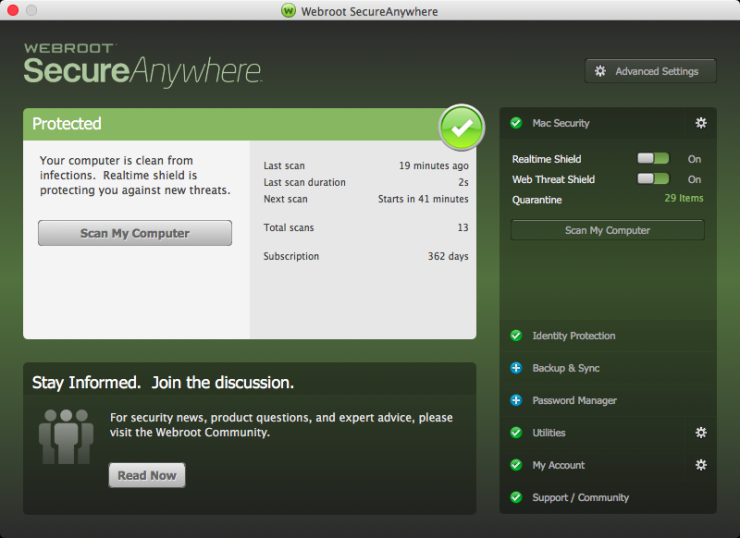
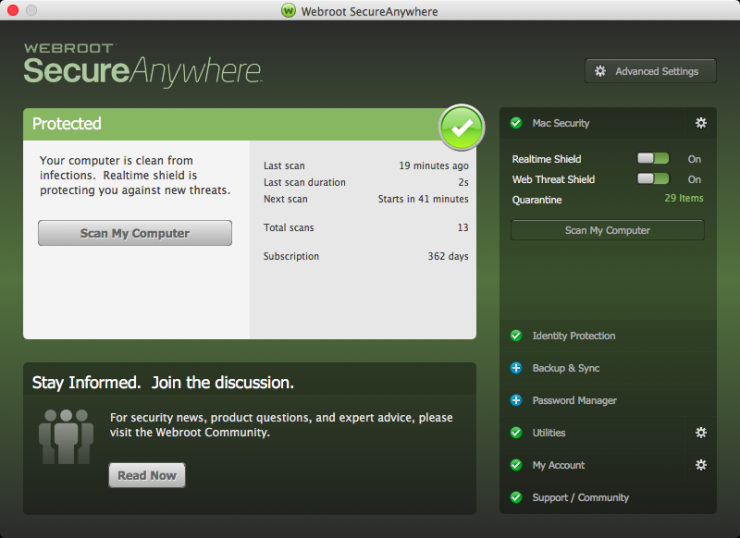
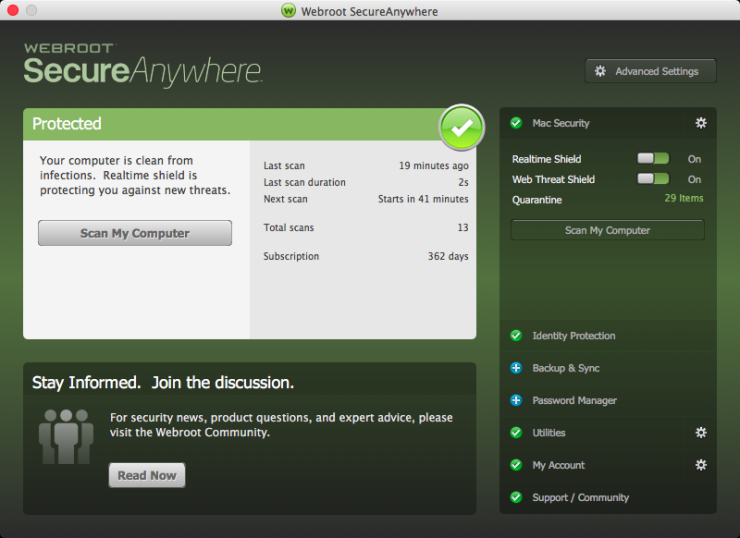

Kürzlich angesehen
Choose currency