- Home
- About
-
Products
- All Products
- Steam Keys
- Steam Accounts
- XBOX Game Pass
- Xbox Games
- Nintendo Switch Games
- Meta Quest Keys
- PSN Cards (Playstation)
- Xbox Gift Cards
- Playstation Games
- Playstation Accounts
- EA App Keys
- Epic Games Keys
- Ubisoft Connect Keys
- Fortnite Products
- PUBG Mobile UC
- Software Keys
- Movie Digital Downloads
- Discord Nitro
- Retail Keys
- Price Drops
- Buy & Sell Movie Codes
- RANDOM Keys
- Reviews
- Blog
- Latest Orders
- Wholesale
- FAQ
- Policies
- Affiliate
- Contact
 EN
EN FR
FR HE
HE DE
DE
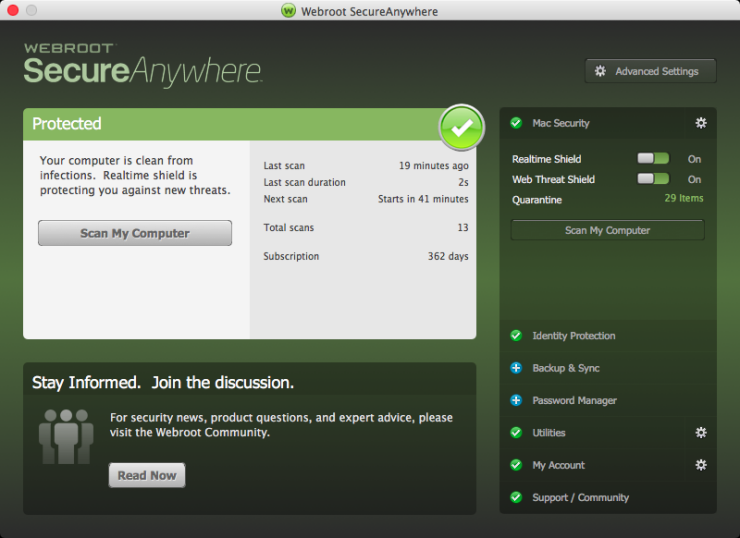
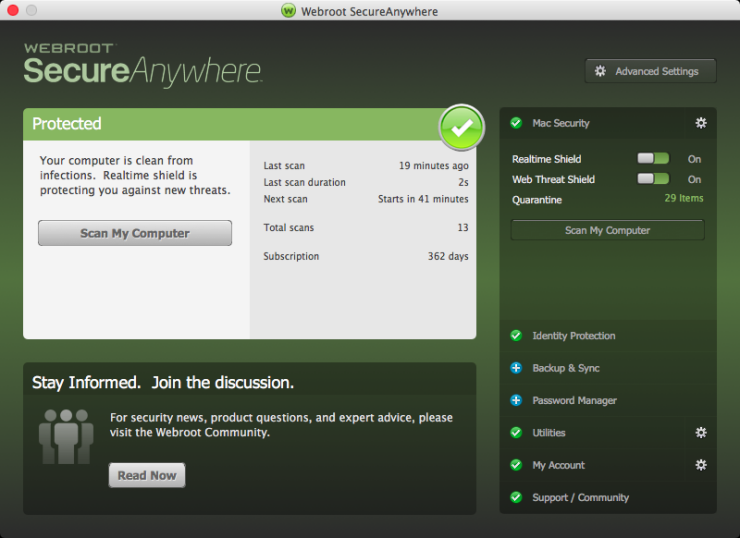
Webroot SecureAnywhere Internet Security Plus 2024 Key (1 Year / 3 Devices)

Price:
£200.00
 NO Hidden Fees!
Paypal Accepted!

SKU:
ghost_product_uin193771_webroot_secureanywhere_internet_security_plus_2024_key_1_year_3_devices
Availability
Quantity:
Product Description
Webroot SecureAnywhere Internet Security Plus 2024 Key (1 Year / 3 Devices)
Region:
Region FreePlatform Supported:
OtherLanguages Supported:
EnglishActivation Instructions:
To install the Webroot SecureAnywhere Internet Security COMPLETE on a PC: Click the link to start http://anywhere.webrootcloudav.com/zerol/wsainstall.exe When prompted, choose a location to save the file and click Save. Locate the file you saved on the desktop, or in the location you specified, and double-click the file to start the installation. Select INSTALLATION OPTIONS to select ANY OTHER LANGUAGE. When prompted, enter your key code. Follow the prompts as they appear. To install Webroot SecureAnywhere Internet Security COMPLETE on a Mac: Click the link to start http://anywhere.webrootcloudav.com/zerol/wsamac.dmg Double-click wsamac.dmg to open the installer. Drag the Webroot SecureAnywhere icon into the Applications folder. Open the Applications folder by double-clicking the folder icon. In the Applications folder, double-click the Webroot SecureAnywhere icon to begin activation. Select INSTALLATION OPTIONS to select ANY OTHER LANGUAGE. In the first activation window, enter your key code and click Activate. If prompted, confirm the installation by entering your Apple system password and click OK.Warranty Information
Full warranty offered! We guarantee a working product, or your money back!


Related Products
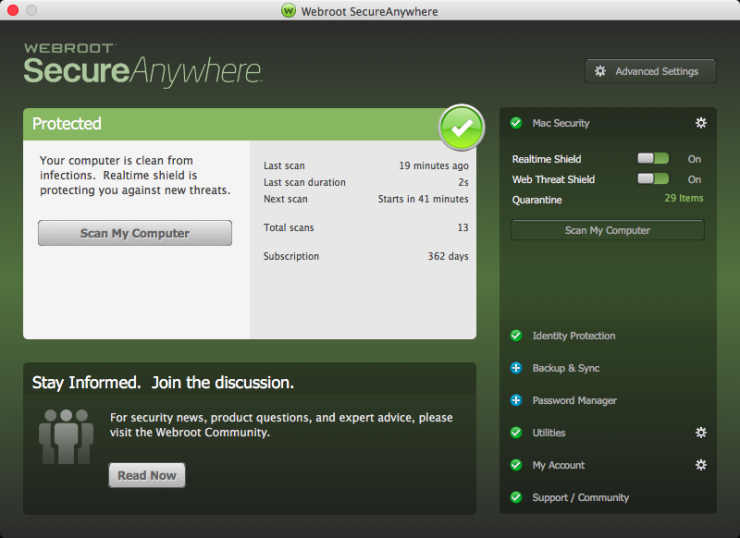
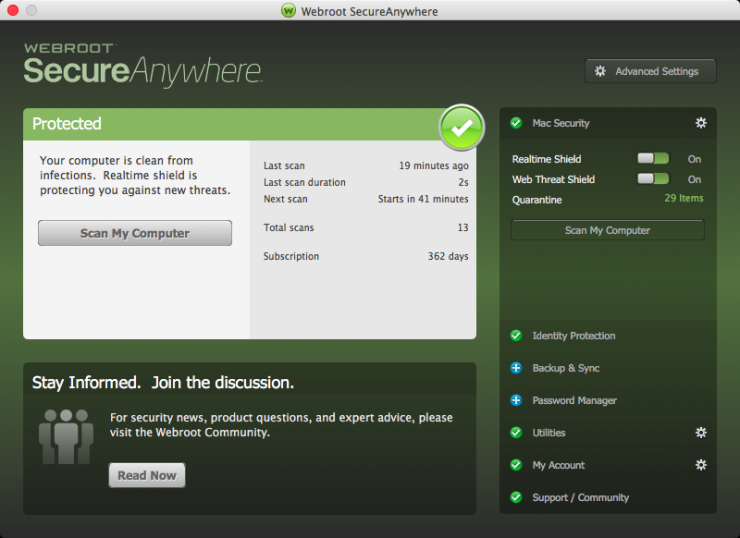
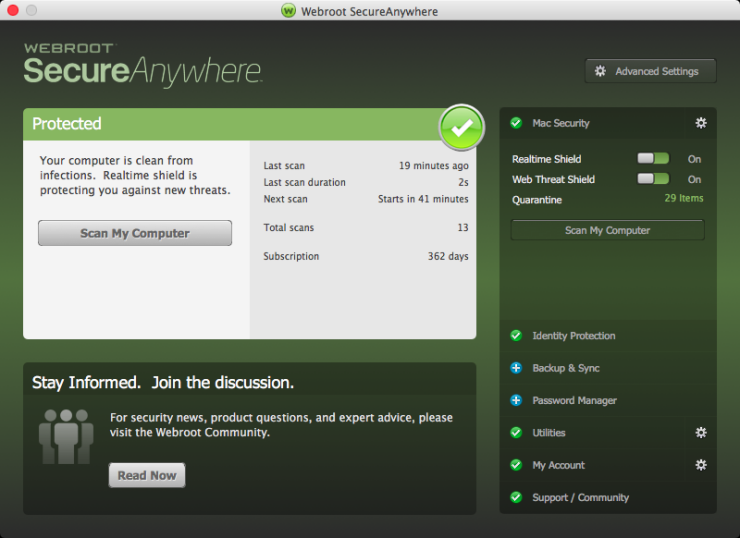
Recently Viewed
Choose currency