- עמוד הבית
- אודות
-
מוצרים
- All Products
- Steam Keys
- Steam Accounts
- XBOX Game Pass
- Xbox Games
- Nintendo Switch Games
- Meta Quest Keys
- PSN Cards (Playstation)
- Xbox Gift Cards
- Playstation Games
- Playstation Accounts
- EA App Keys
- Epic Games Keys
- Ubisoft Connect Keys
- Fortnite Products
- PUBG Mobile UC
- Software Keys
- Movie Digital Downloads
- Discord Nitro
- Retail Keys
- הורדות מחיר
- קנייה ומכירה של קודי סרטים
- GTA VI
- Top-Ups
- מפתחות אקראיים
- ביקורות
- בלוג
- הזמנות אחרונות
- סיטונאות
- שאלות נפוצות
- מדיניות
- שותפים
- צור קשר
 EN
 FR
 HE
 DE

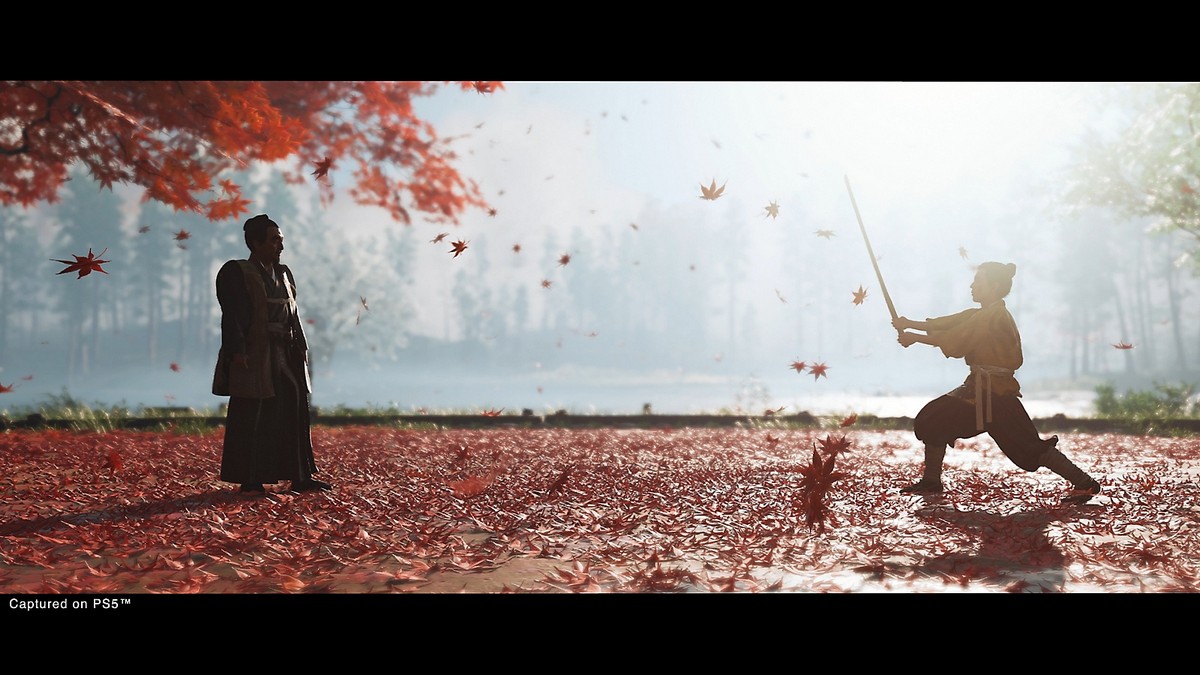
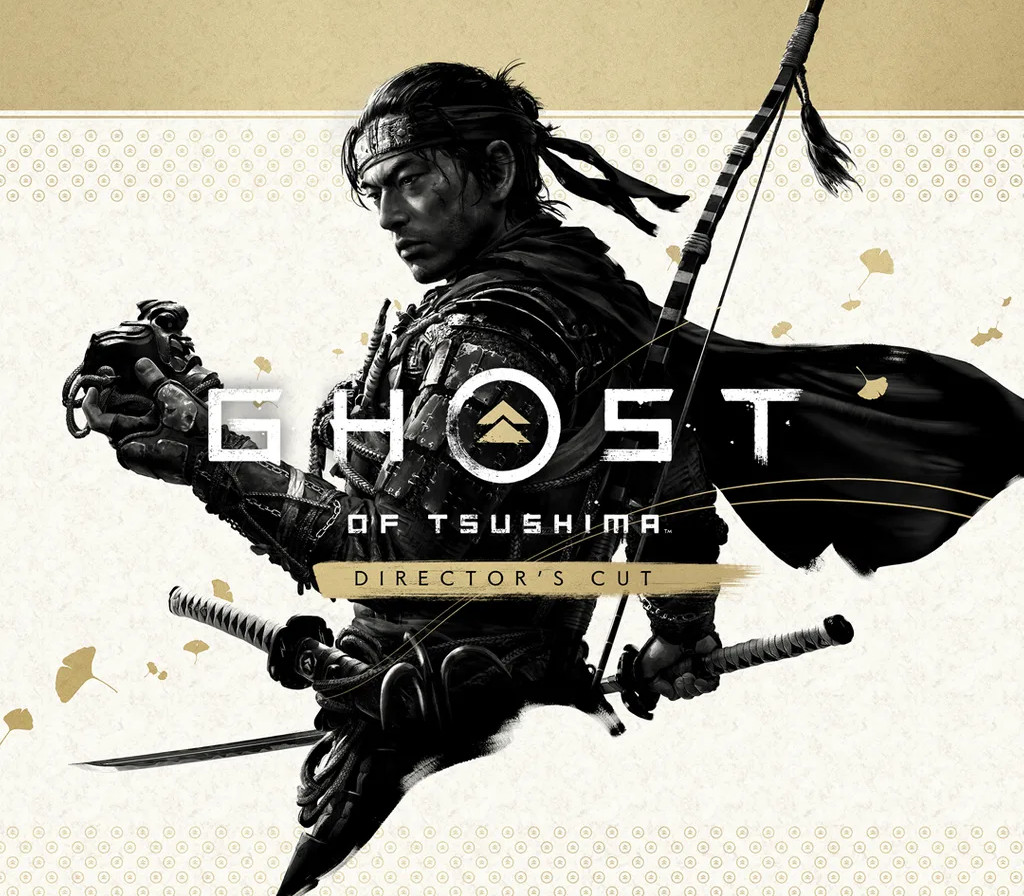
Ghost of Tsushima Director's Cut PlayStation 4 Account

המחיר שלך:
(You save $28.05)
 NO Hidden Fees!
Paypal Accepted!

SKU:
ghost_product_uin177099_ghost_of_tsushima_director_s_cut_playstation_4_account
זמינות
כמות:



אולי GTA VI מסתתר בקופסת המסתורין הבאה שלך!
אנחנו מוסיפים מפתחות GTA VI ל-Xbox כבונוס ל-1 מתוך 250 קופסאות מסתורין רגילות. קופסת המסתורין של GTA VI ($5.69): 1 מכל 25 קופסאות היא GTA VI ל-Xbox, ובכל קופסה אחרת יש משחק Steam!
משחק בכל קופסה. GTA VI הוא בונוס נוסף.
USA customers: Prices on this page are shown in USD, with instant digital delivery and USA-compatible product options highlighted above where available.
פירוט המוצר
Ghost of Tsushima Director's Cut PlayStation 4 Account
Region:
Region Free
Platform Supported:
PlayStation 4
Languages Supported:
English, French, Spanish
Activation Instructions:
In order to redeem Playstation Network Code please follow instruction below: Go to http://www.SonyEntertainmentNetwork.com Click "Manage Account" and sign in with your Sign-In ID(E-mail Address) and Password. Click on "Redeem Prepaid Card". Enter the code printed on the voucher or PlayStation Network Card and click "Continue". If the code is valid, you will be presented with a description of what the code will deliver to your account. Press "Redeem..." button to add the item or funds to your account.Alternate activation instructions:
Use the credentials you received and log into the account.
Make sure that the content on the account is correct (correct edition of the game, no playtime etc)
Add the purchased account to your console and set it as a primary one.
Purchased account has to be added as a user, not as a one-time guest
Once the account is added to your console (as a primary one), download the game and switch back to the account you would like to play from. This way your progress will be saved on the account you are using.
The account should be used as a way of accessing the game/content you are interested in. It is not recommended to use it as your main account, as you might have issues with making purchases on it.
מידע על אחריות
Full warranty offered! We guarantee a working product, or your money back!


מוצרים קשורים

נצפו לאחרונה
Choose currency