- Home
- About
-
Products
- All Products
- Steam Keys
- Steam Accounts
- XBOX Game Pass
- Xbox Games
- Nintendo Switch Games
- Meta Quest Keys
- PSN Cards (Playstation)
- Xbox Gift Cards
- Playstation Games
- Playstation Accounts
- EA App Keys
- Epic Games Keys
- Ubisoft Connect Keys
- Fortnite Products
- PUBG Mobile UC
- Software Keys
- Movie Digital Downloads
- Discord Nitro
- Retail Keys
- RANDOM Keys
- Reviews
- Blog
- Latest Orders
- Wholesale
- FAQ
- Policies
- Affiliate
- Contact
- Price Drops
- Buy & Sell Movie Codes
 EN
EN FR
FR HE
HE DE
DE

AdGuard Premium Personal Key (Lifetime / 1 Device)

Price:
4,744.08 INR
 NO Hidden Fees!
Paypal Accepted!

SKU:
ghost_product_uin123259_adguard_premium_personal_key_lifetime_1_device
Availability
Quantity:
India customers: Prices on this page are shown in INR, with instant digital delivery and region-compatible product options highlighted above where available.
Product Description
AdGuard Premium Personal Key (Lifetime / 1 Device)
Region:
Region FreePlatform Supported:
OtherLanguages Supported:
English, Arabic, Chinese, Czech, Danish, Dutch, French, German, Hungarian, Italian, Japanese, Korean, Norwegian, Polish, Portuguese, Russian, Spanish, Swedish, Turkish, UkrainianActivation Instructions:
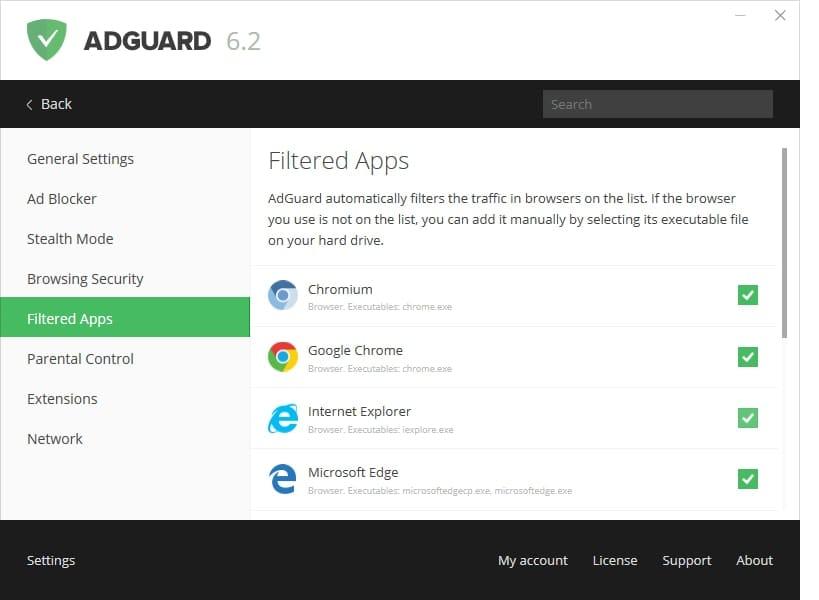
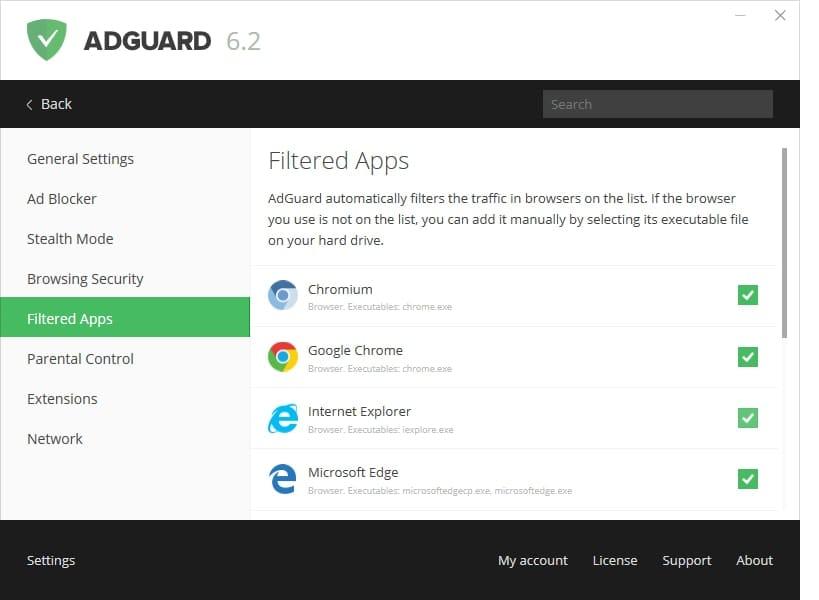
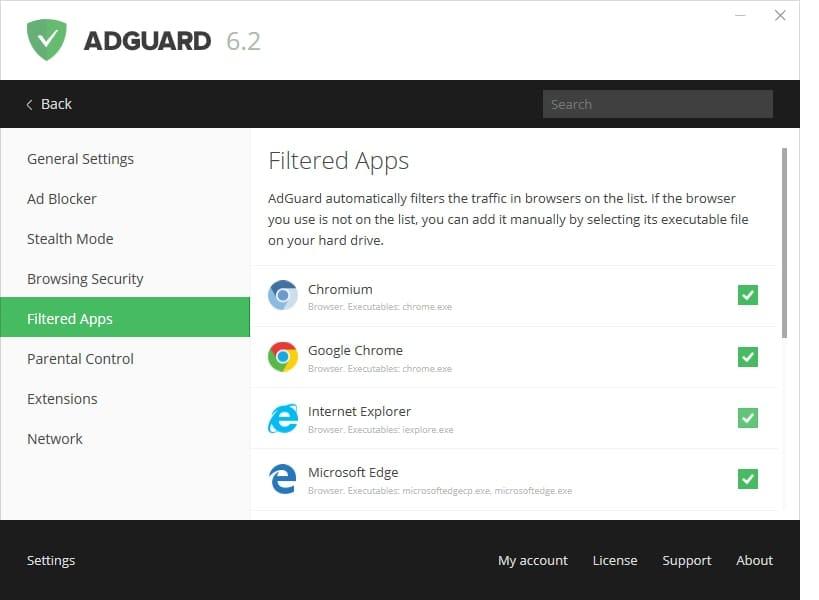
To use AdGuard on a PC or tablet under Microsoft Windows, you should download the installation package and launch the installation program. actions: Open your browser and proceed to the AdGuard website by typing AdGuard.com in the address bar, and then click DOWNLOAD. Activating AdGuard for Windows Open the program Choose 'License' inset in program's menu Enter your license key and click on 'Activate license' button Activating AdGuard for Mac Open AdGuard menu To do it, click on the AdGuard icon in the menu bar: Open options menu by clicking on gear icon and choose 'License...' In the opened window enter your license key and press 'Activate license key'. Activating AdGuard for Android Open the app and go to license menu To do it, click on yellow button in the bottom of app's main screen: Choose 'Activate with license key' option Enter your license key and click on 'Activate device' buttonWarranty Information
Full warranty offered! We guarantee a working product, or your money back!


Related Products
Recently Viewed
Choose currency