- Accueil
- À propos
-
Produits
- All Produits
- Steam Clés
- Steam Accounts
- XBOX Jeu Pass
- Xbox Jeux
- Nintendo Switch Jeux
- Meta Quest Clés
- PSN Cards (Playstation)
- Xbox Gift Cards
- Playstation Jeux
- Playstation Accounts
- EA App Clés
- Epic Jeux Clés
- Ubisoft Connect Clés
- Fortnite Produits
- PUBG Mobile UC
- Software Clés
- Movie Digital Téléchargers
- Discord Nitro
- Retail Clés
- Baisses de prix
- Acheter & Vendre Codes Films
- GTA VI
- Top-Ups
- Clés ALÉATOIRES
- Avis
- Blog
- Dernières commandes
- Vente en gros
- FAQ
- Politiques
- Affiliation
- Contact
 EN
EN FR
FR HE
HE DE
DE
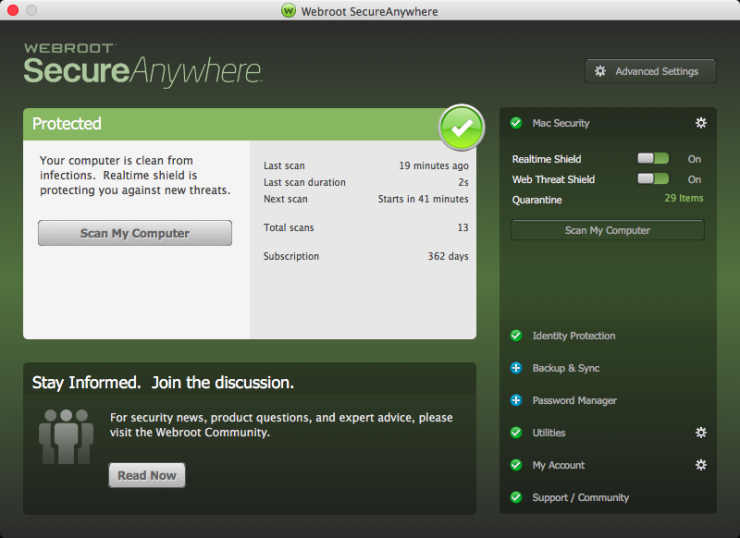
Webroot SecureAnywhere Internet Security Plus 2024 EU Clé (1 Year / 3 Devices)

Prix:
€232.17
 NO Hidden Fees!
Paypal Accepted!

SKU:
ghost_product_uin193766_webroot_secureanywhere_internet_security_plus_2024_eu_key_1_year_3_devices
Disponibilité
Quantité:
Clients en France : Les prix sur cette page sont affichés en euros, avec livraison numérique instantanée et options compatibles mises en avant ci-dessus lorsque disponibles.
Description du produit
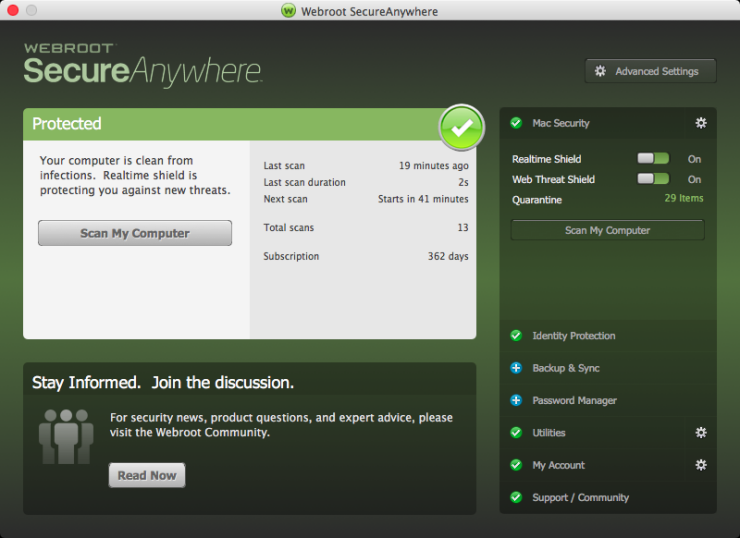
Webroot SecureAnywhere Internet Security Plus 2024 EU Key (1 Year / 3 Devices)
Region:
EuropePlatform Supported:
OtherLanguages Supported:
EnglishActivation Instructions:
To install the Webroot SecureAnywhere Internet Security COMPLETE on a PC: Click the link to start http://anywhere.webrootcloudav.com/zerol/wsainstall.exe When prompted, choose a location to save the file and click Save. Locate the file you saved on the desktop, or in the location you specified, and double-click the file to start the installation. Select INSTALLATION OPTIONS to select ANY OTHER LANGUAGE. When prompted, enter your key code. Follow the prompts as they appear. To install Webroot SecureAnywhere Internet Security COMPLETE on a Mac: Click the link to start http://anywhere.webrootcloudav.com/zerol/wsamac.dmg Double-click wsamac.dmg to open the installer. Drag the Webroot SecureAnywhere icon into the Applications folder. Open the Applications folder by double-clicking the folder icon. In the Applications folder, double-click the Webroot SecureAnywhere icon to begin activation. Select INSTALLATION OPTIONS to select ANY OTHER LANGUAGE. In the first activation window, enter your key code and click Activate. If prompted, confirm the installation by entering your Apple system password and click OK.Informations de garantie
Full warranty offered! We guarantee a working product, or your money back!


Produits connexes
Vu récemment
Choose currency