- Accueil
- À propos
-
Produits
- All Produits
- Steam Clés
- Steam Accounts
- XBOX Jeu Pass
- Xbox Jeux
- Nintendo Switch Jeux
- Meta Quest Clés
- PSN Cards (Playstation)
- Xbox Gift Cards
- Playstation Jeux
- Playstation Accounts
- EA App Clés
- Epic Jeux Clés
- Ubisoft Connect Clés
- Fortnite Produits
- PUBG Mobile UC
- Software Clés
- Movie Digital Téléchargers
- Discord Nitro
- Retail Clés
- Baisses de prix
- Acheter & Vendre Codes Films
- GTA VI
- Top-Ups
- Clés ALÉATOIRES
- Avis
- Blog
- Dernières commandes
- Vente en gros
- FAQ
- Politiques
- Affiliation
- Contact
 EN
 FR
 HE
 DE


 NO Hidden Fees!
Paypal Accepted!

Clients en France : Les prix sur cette page sont affichés en euros, avec livraison numérique instantanée et options compatibles mises en avant ci-dessus lorsque disponibles.
Description du produit
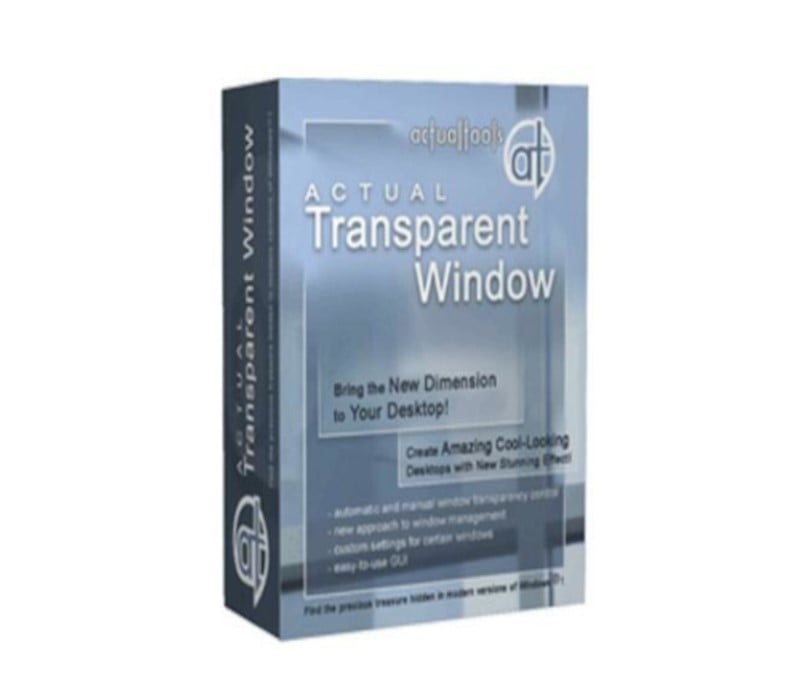
Actual Tools - Actual Transparent Window 8 Key (Digital Download)
Languages Supported:
English
Activation Instructions:
Download the software https://www.actualtools.com/files/atwsetup.exe Install it Activate the received key.About Actual Tools - Actual Transparent Window 8 Key (Digital Download):
With Actual Transparent Window it is very easy to organize the simultaneously opened windows. It is a truly new approach to desktop space organization. Now you do not have to minimize and restore windows every time. Along with common techniques of switching between windows Actual Transparent Window offers the depth-based window ordering thanks to a fully customizable transparency levels that are saved individually for each window. When a brilliant idea is combined with a good realization, the results are outstanding! Actual Transparent Window is intended for a broad range of Windows users who value their time and long for an aesthetic pleasure of modern computing. Windows® is multifunctional, and sometimes we work with several different applications. While typing something in Microsoft Word you need, for example, to follow some information in your Internet browser. Push Win+T (toggle transparency), and the desired window becomes transparent, and you will solve your task easily. Besides, usage of semi-transparent windows reduces the negative effect on your eyes! Features Individual transparency rate:Actual Transparent Window lets you set individual transparency rate for each window. You can change transparency from 0% (solid) to 100% (fully transparent) to achieve the desired effect. Inactive window transparency:Actual Transparent Window has option to set transparency only when window becomes inactive. And when you activate this window it becomes non-transparent again. This option may be especially useful for your instant messenger (ICQ, Windows Messenger, Yahoo! Messenger or any other). Ghost mode:You can also activate the ghost mode. In this case all mouse clicks and moves to be made through the transparent window to underlying windows. Apply transparency effect while window is moved or is resized:Apply transparency effect only when you move/drag or resize the window across the desktop. Note that this does not affect your transparency setting for windows while they are not being moved or resized. Toggle transparency\opaque window state by double click on title bar: To toggle a window from transparent to opaque, double-click the title bar. To toggle a window from opaque to transparent, double-click the title bar again. "Make Transparent" Make Transparent button button: The new "Make Transparent" button is may be added to a window title bar. Now you can switch the semi-transparency on/off just by pressing it. You can select a different transparency level for any window on-the-fly, while it is open! Right-click the "Make Transparent" title button to display its context menu where you can choose one of the predefined transparency levels. It's a very gorgeous effect, try it - and you'll like it very much! Multilingual support:Actual Transparent Window is available in English, German, French, Spanish, Russian, Ukrainian, Japanese, Chinese Simplified and Chinese Traditional languages.